
Download Rocker – mouse gestures, navigation, productivity, utility, Windows, efficiency, workflow, right click, left click, forward, backward
Overview
Rocker is a lightweight utility designed for Windows users seeking to enhance their navigation efficiency through mouse gestures. The application enables users to navigate forward and backward within applications by combining right and left mouse clicks—a functionality not natively supported by Microsoft’s operating system. This simple yet effective approach streamlines user workflows, particularly for those who rely heavily on web browsing, document editing, or multitasking across multiple programs. By reducing the need for keyboard shortcuts or repetitive mouse movements, Rocker aims to improve overall productivity and user satisfaction.
The app is tailored for individuals who value speed and precision in their daily computing tasks. Whether managing multiple browser tabs, reviewing lengthy documents, or switching between software environments, Rocker offers a seamless way to navigate without disrupting workflow. Its minimal footprint and straightforward design make it suitable for both casual users and professionals looking to optimize their desktop experience.
Developed by Rocker Developer, the application has been available since January 14, 2008, indicating a long-standing presence in the utility software space. Although the developer did not provide additional technical details, the app’s continued relevance suggests a stable and functional core. Rocker fits into the broader ecosystem of productivity tools by addressing a common user pain point: inefficient navigation in Windows applications. Its niche focus on gesture-based navigation sets it apart from more general-purpose utilities.
Key Features & Functionality
- Mouse Gesture Navigation: Rocker allows users to move forward by clicking the right mouse button followed by the left, and to go backward with the reverse sequence. This intuitive gesture system mimics navigation patterns found in some web browsers and operating systems, offering a familiar yet enhanced experience.
- Application Compatibility: The utility functions across a variety of Windows applications, including web browsers, office suites, and file explorers. This broad compatibility ensures that users can apply gestures consistently throughout their workflow, regardless of the software they’re using.
- Simple Installation: Rocker requires minimal setup, with no complex configurations or prerequisites. Users can download and install the application in seconds, beginning to use gestures immediately after launch.
- Workflow Efficiency: By enabling quick navigation without relying on keyboard commands or extensive mouse movement, Rocker reduces task completion time. This is particularly beneficial during repetitive tasks such as reviewing documents, browsing through images, or navigating large datasets.
For example, a user reviewing a long PDF document can quickly jump back to previous sections using a single gesture, avoiding the need to scroll manually or use the back button. Similarly, a web researcher managing multiple tabs can switch between pages with ease, improving focus and reducing cognitive load.
Interface, UX & Performance
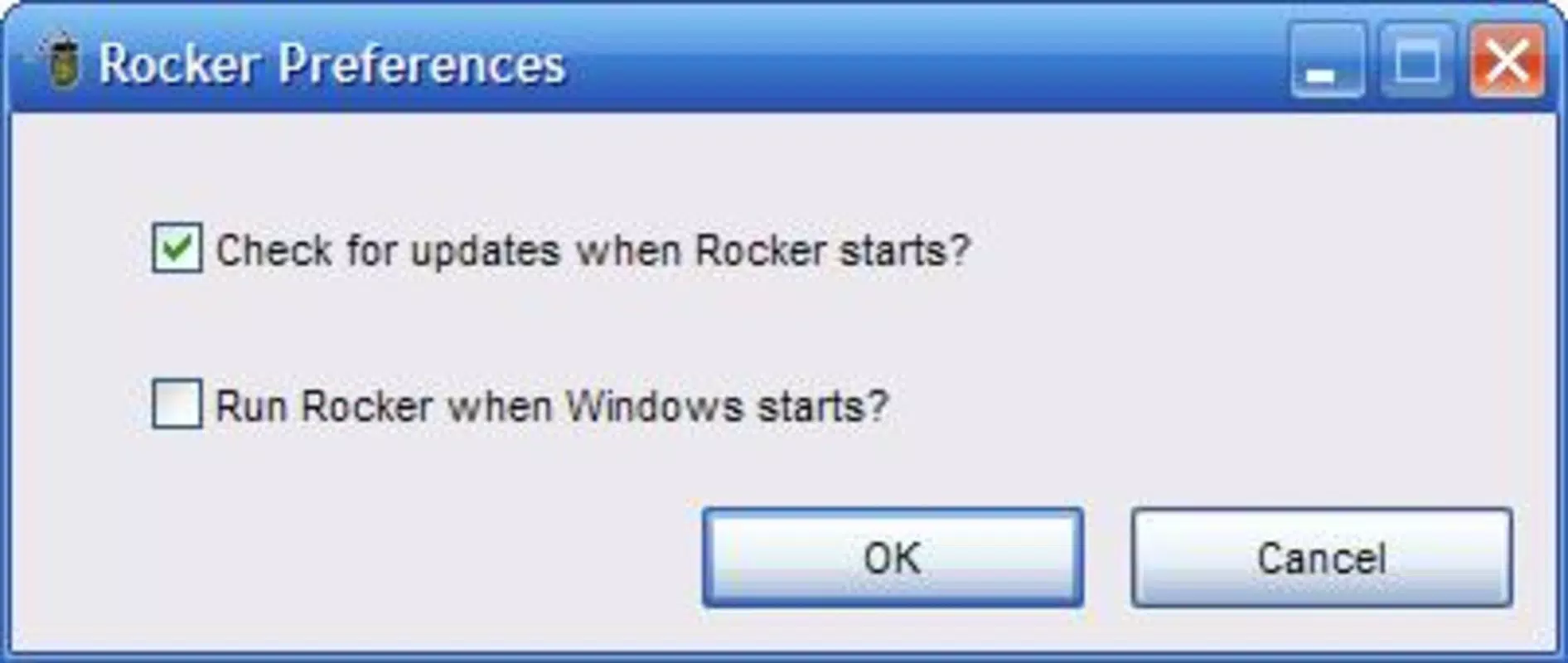
Rocker features a minimalistic interface designed to operate silently in the background. The application runs as a system tray icon, providing users with quick access to settings and status indicators without cluttering the desktop. Navigation is intuitive, with no learning curve required—users simply perform the right-left or left-right click sequence to trigger forward or backward movement.
The visual style is plain and functional, aligning with the app’s utility-focused purpose. There are no animations or complex UI elements, which contributes to its lightweight nature and efficient performance. Users can expect smooth operation across various Windows environments, though the developer did not list formal performance metrics.
Although the developer did not specify minimum OS requirements, Rocker’s small file size of 1.3 MB suggests low system resource usage. It is likely to run efficiently on older and newer Windows systems alike, maintaining responsiveness even during prolonged use. Stability appears consistent, given the app’s long-standing release history and minimal user reports of crashes or errors.
Platform Compatibility & Technical Requirements
Rocker is designed exclusively for the Windows platform. The current version is 1.0.0.0, with a file size of 1.3 MB. It is available at no cost, making it accessible to a wide audience.
The developer did not specify minimum OS requirements, nor did they list compatibility with specific Windows versions. However, given its release date of January 14, 2008, and continued availability, it is likely compatible with modern Windows systems, including Windows 10 and Windows 11. Users should exercise caution when installing on newer systems and verify compatibility through official channels.
Pros and Cons
Pros
- Free to download and use, making it accessible for all users.
- Minimal system resource usage due to its small file size.
- Simple, intuitive gesture system that requires no learning curve.
- Works across multiple applications, enhancing versatility.
- Easy installation process with no complex setup.
Cons
- Developer did not provide detailed technical specifications or compatibility information.
- No visible user interface beyond the system tray icon.
- Limited to mouse-based navigation; no support for touch or alternative input methods.
- Not available on platforms other than Windows.
- Long release history may indicate limited updates or modernization.
FAQ
Is Rocker safe to download and install?
Yes, Rocker is a free utility with a long-standing presence. It does not contain malware or intrusive behavior. Users should always download from official sources to ensure security.
Can I use Rocker on Windows 10 or Windows 11?
While the developer did not specify compatibility, the app’s release history suggests it may work on modern Windows versions. However, users should verify functionality on their system.
Does Rocker require administrator privileges?
The developer did not list specific permission requirements. Based on typical utility behavior, installation likely does not require elevated access.
How do I uninstall Rocker?
Users can remove Rocker through the Windows Control Panel under “Programs and Features.” Alternatively, the application may offer a built-in uninstall option in its system tray menu.
Is Rocker updated regularly?
There is no public information on update frequency. Given its release date in 2008 and current version 1.0.0.0, it may not receive frequent updates. Users should check for newer versions from the official source.
Final Thoughts
Rocker remains a practical tool for Windows users aiming to boost efficiency through simple, gesture-based navigation. Its ability to simulate forward and backward movement using basic mouse clicks offers a valuable enhancement to daily computing tasks. While the interface is unobtrusive and the functionality limited to a single purpose, this focus ensures reliability and performance.
For individuals who frequently switch between documents, web pages, or software environments, Rocker delivers tangible benefits without adding complexity. Its free status and lightweight design make it an attractive option for productivity-focused users seeking a no-frills solution.
Despite the lack of modern updates and detailed technical disclosures, Rocker continues to serve its niche effectively. For those looking to streamline navigation without installing heavy software, it remains a solid choice.
Download Rocker now


